> ## Documentation Index
> Fetch the complete documentation index at: https://docs.codenullapp.com/llms.txt
> Use this file to discover all available pages before exploring further.
# Feature versions
> Feature status:
**Feature status:**
* Draft: Feature in progress not published
* Published: Feature published and normally the same of it is in the production version (released)
* Released: Final Feature version (production)
### Create a draft feature version
* Go to the "Feature Designer" option of the feature you want to change.
* you will find a new button option "Save as draft"
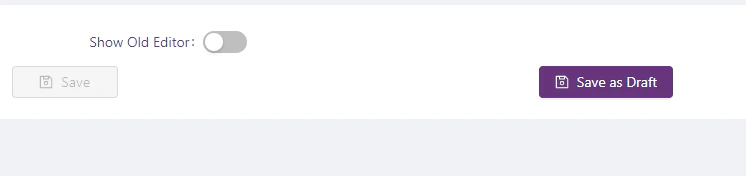 * Update the feature whit the new functionality you need and then click on "Save as Draft"
* It will create a copy of the original with the changes you already added.
### Update a draft feature version
* Go to "Feature Designer" option of the feature you want to change.
* Open the "Settings panel" right side
* Open "Change feature version" section where you will find all the versions you already have for that feature
*
* Update the feature whit the new functionality you need and then click on "Save as Draft"
* It will create a copy of the original with the changes you already added.
### Update a draft feature version
* Go to "Feature Designer" option of the feature you want to change.
* Open the "Settings panel" right side
* Open "Change feature version" section where you will find all the versions you already have for that feature
* 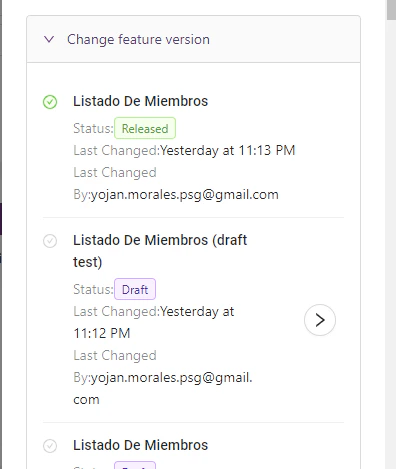 * By default, you will see the "Released" version selected (Green label)
* Then select the version you want to change by clicking the right button (arrow)
* If you go to the settings panel you will see the draft version is selected
*
* By default, you will see the "Released" version selected (Green label)
* Then select the version you want to change by clicking the right button (arrow)
* If you go to the settings panel you will see the draft version is selected
* 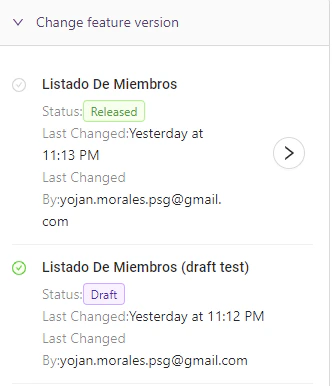 * When you are in a draft version you will see another button (publish)
*
* When you are in a draft version you will see another button (publish)
* 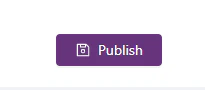 * By clicking this button you will publish this version to production (**make sure to publish only when you finish the changes and everything is working well**)
* On the left side, you will find the normal "Save" button that allows you to save the changes without publishing them in production.
### Test a feature version
* Navigate to the page (feature) you want to test/use
* Open the "Settings panel" right side
* Open "Change feature version" section where you will find all the versions you already have for that feature
*
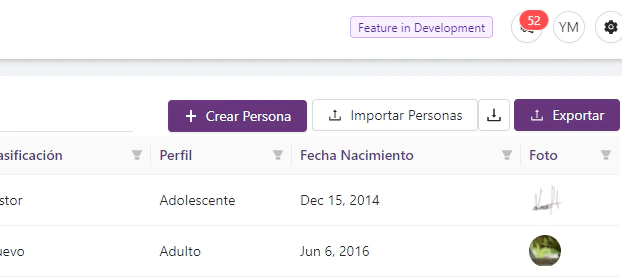
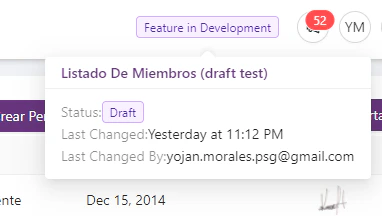
* When you select a feature that is developing (status different than Released) at the top of the page you will find a tag that shows you what features version you're using
*
* By clicking this button you will publish this version to production (**make sure to publish only when you finish the changes and everything is working well**)
* On the left side, you will find the normal "Save" button that allows you to save the changes without publishing them in production.
### Test a feature version
* Navigate to the page (feature) you want to test/use
* Open the "Settings panel" right side
* Open "Change feature version" section where you will find all the versions you already have for that feature
*
* When you select a feature that is developing (status different than Released) at the top of the page you will find a tag that shows you what features version you're using
* 
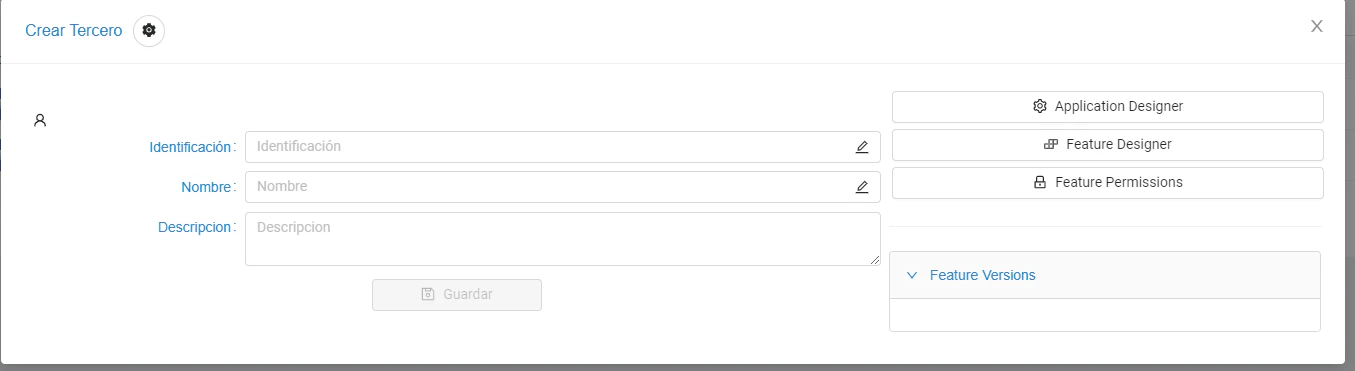
 ### Open feature designer, set permissions and use feature versions from "Feature Modal"