- Documents
- Images
- Inherit from app (Default): Follows the application’s general multimedia access switch. If the app is public, files from this field are public; if the app is private, they’re private too.
- Private: Files are always uploaded to an isolated, private container for this field, no matter what the app’s switch is set to.
- Public: Files from this field are uploaded as public — unless the application is set to private, in which case they stay private too, unless the app owner has explicitly enabled the “allow public override” setting for the application. This prevents a private app from being accidentally exposed by a single field’s configuration.
Documents
Preview Mode
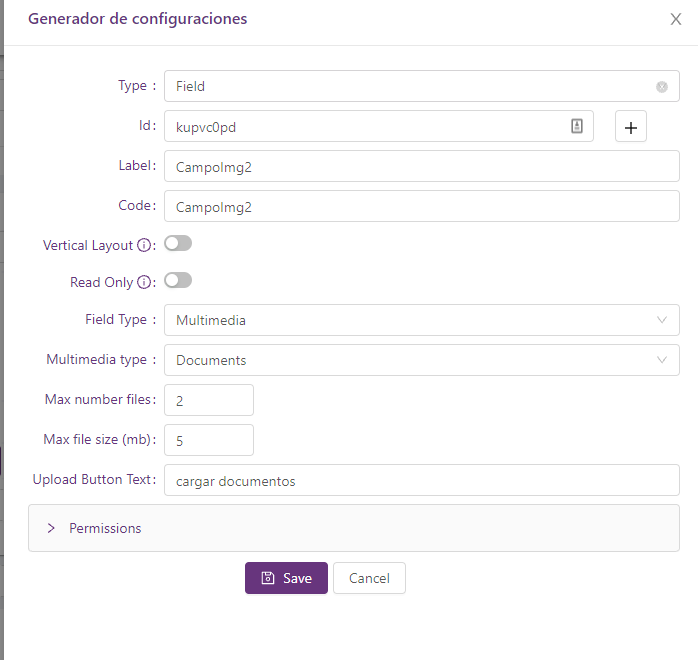
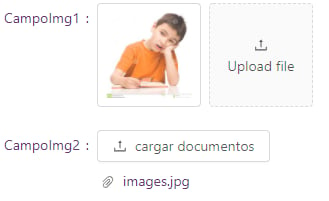
When you have a multimedia field configured as Documents, you have two ways of previewing the documents- Modal (Default): Allows rendering the document preview in a modal.
- Inline: Allows rendering the document preview below the field on the same page.