- Draft: Feature in progress not published
- Published: Feature published and normally the same of it is in the production version (released)
- Released: Final Feature version (production)
Create a draft feature version
- Go to the “Feature Designer” option of the feature you want to change.
- you will find a new button option “Save as draft”
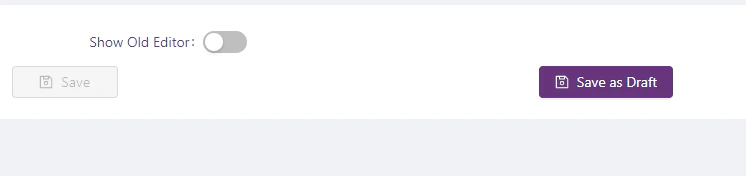
- Update the feature whit the new functionality you need and then click on “Save as Draft”
- It will create a copy of the original with the changes you already added.
Update a draft feature version
- Go to “Feature Designer” option of the feature you want to change.
- Open the “Settings panel” right side
- Open “Change feature version” section where you will find all the versions you already have for that feature
-
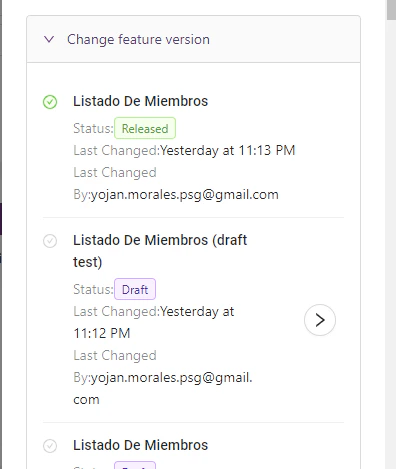
- By default, you will see the “Released” version selected (Green label)
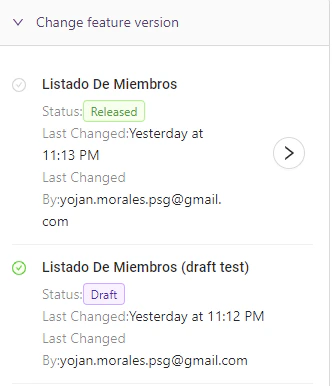
- Then select the version you want to change by clicking the right button (arrow)
- If you go to the settings panel you will see the draft version is selected
-
- When you are in a draft version you will see another button (publish)
-
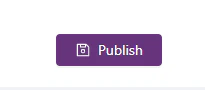
- By clicking this button you will publish this version to production (make sure to publish only when you finish the changes and everything is working well)
- On the left side, you will find the normal “Save” button that allows you to save the changes without publishing them in production.
Test a feature version
- Navigate to the page (feature) you want to test/use
- Open the “Settings panel” right side
- Open “Change feature version” section where you will find all the versions you already have for that feature
-
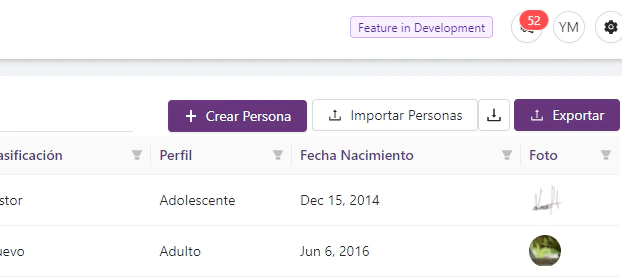
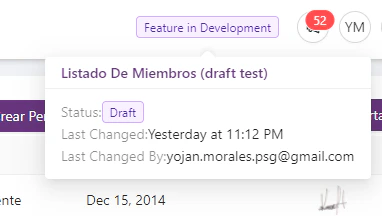
- When you select a feature that is developing (status different than Released) at the top of the page you will find a tag that shows you what features version you’re using
-
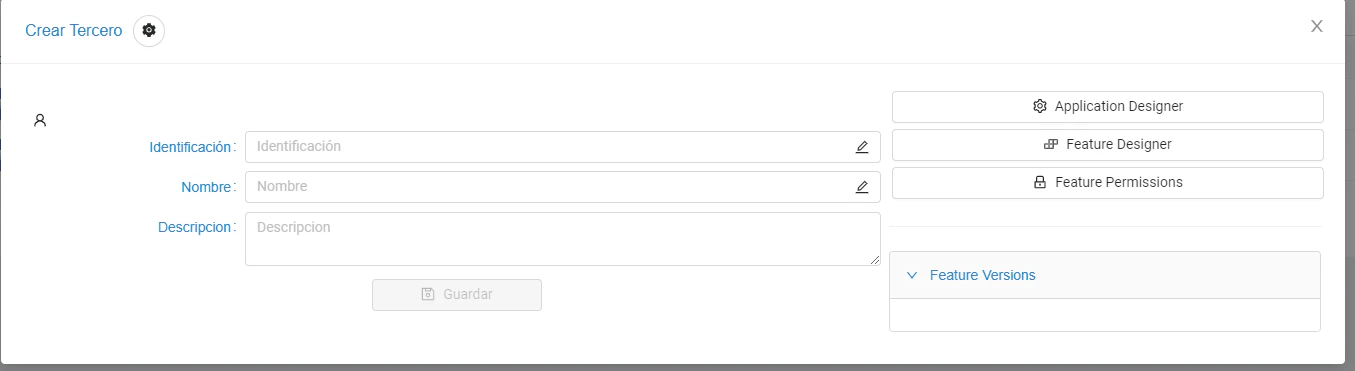
Open feature designer, set permissions and use feature versions from “Feature Modal”